NEXIUS LABS • DIGITAL COWORKERS
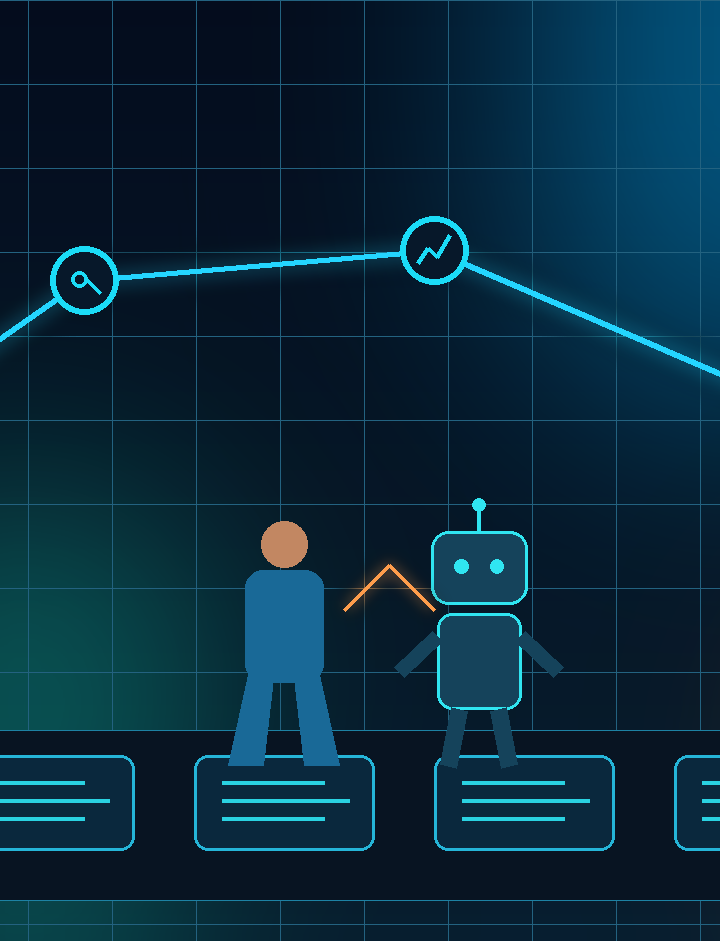
Microsoft's latest AI announcements point to a practical shift: agents are moving closer to the daily operating layer of the company. For SMEs, this is not a reason to let AI run loose. It is a reason to design Digital Coworkers with clear jobs, approval gates, telemetry, and measurable outcomes.
By Melverick Ng • Nexius Labs • Published 8 June 2026
The trend: AI is entering the flow of work
Over the past week, Microsoft introduced Microsoft Scout, described as an always-on personal agent grounded across Microsoft 365 apps. Microsoft also announced Work IQ APIs, an intelligence layer for understanding how work gets done across organisations. A few days earlier, Microsoft announced Microsoft 365 Business with Copilot for small businesses.
The signal is simple: AI is no longer staying inside a separate chat box. It is being embedded into documents, meetings, calendars, messages, tasks, and the business graph.
That matters for Singapore SMEs because most operational friction does not sit in one system. It sits between systems: sales notes that never become CRM updates, invoices waiting for missing context, meeting decisions that do not become tasks, service requests that do not get routed, and approvals that live in chat history.
My view: always-on AI will only create value when the business has operating control. Otherwise, you get faster activity without better accountability.
What an always-on Digital Coworker should actually do
Do not define the agent by the tool. Define it by the job it owns.
A useful Digital Coworker can sit beside a business workflow and prepare the next piece of work:
- Turn meeting decisions into assigned tasks with due dates.
- Draft customer follow-ups using CRM stage, meeting notes, and service context.
- Flag incomplete finance documents before month-end pressure builds.
- Summarise stuck deals, overdue actions, and missing owners for managers.
- Route exceptions to the right human instead of pretending everything is fine.
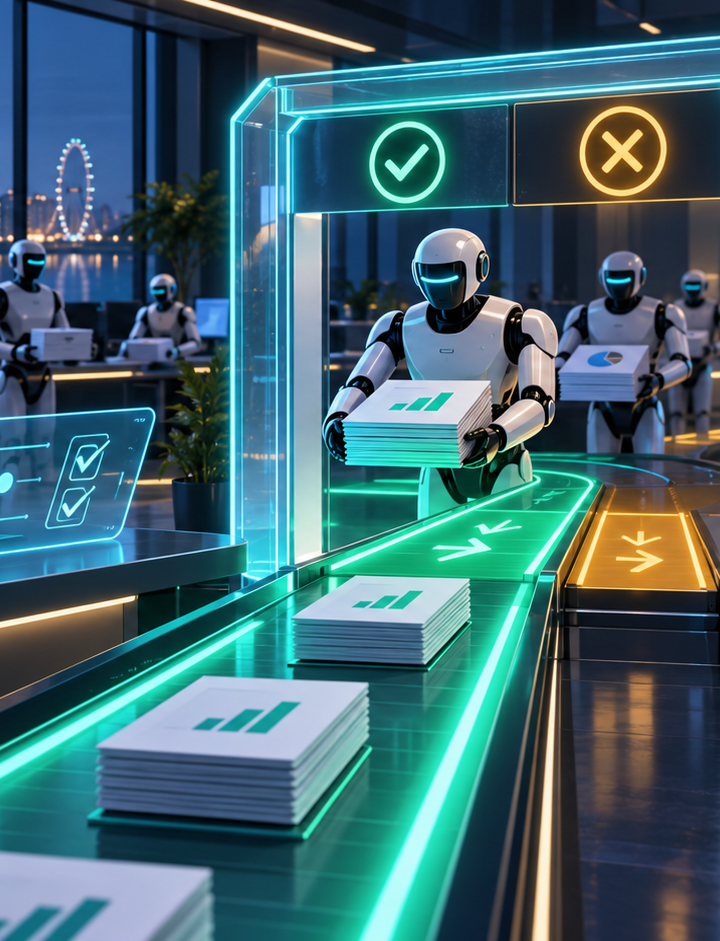
The first wave should not be full autonomy. It should be draft, check, route, and log. Let the agent prepare work. Let humans approve risky decisions until the error pattern is known.
The control layer matters more than the AI feature
Many SMEs will be tempted to switch on every new AI capability as soon as it appears in the software stack. That is backwards.
Before adding an always-on agent, define the operating control layer:
- Role: What workflow does the Digital Coworker own?
- Boundaries: What is it not allowed to decide or execute?
- Context: Which documents, records, policies, and systems can it use?
- Approval: Which outputs need a named human approver?
- Telemetry: What gets logged: input, output, confidence, tool call, owner, exception, and timestamp?
- Escalation: Where does work go when the agent is uncertain or blocked?
This is the difference between an AI feature and an AI workforce. A feature produces output. A workforce needs job design, supervision, measurement, and accountability.
Where SMEs should pilot this first
Start where the workflow is frequent, measurable, and painful. Avoid glamorous demos. Pick a process where better follow-through creates visible business value.
1) Sales follow-up discipline
An agent can inspect meeting notes, CRM stage, promised next steps, and calendar timing. It can draft follow-up emails, update the next action, and alert the account owner when a deal has gone stale. The human still approves pricing, commitments, and sensitive customer messages.
2) Finance document readiness
A Digital Coworker can read invoice packs, check required fields, match known vendor details, flag missing purchase orders, and prepare an exception list. Payment release and vendor changes remain human-approved.
3) Operations coordination
For service, fulfilment, or project coordination, agents can turn scattered updates into structured work: owner, deadline, dependency, status, risk, and next action. Managers get a cleaner operating view without chasing every chat thread manually.
4) Management reporting
Always-on agents can prepare weekly operating summaries from CRM, finance, project, and support signals. The real win is not a prettier report. It is earlier detection of bottlenecks, missed handoffs, and work with no owner.
A practical 14-day pilot
If you want to test this without turning the company into an experiment, run one controlled pilot.
Day 1–2: Choose one workflow
Pick one clear workflow: lead follow-up, invoice readiness, renewal reminders, service triage, project update reporting, or meeting-to-task conversion. Do not start with “make the company more productive”. That is not a workflow.
Day 3–5: Map the real process
Document the trigger, inputs, decision points, exceptions, approval steps, system handoffs, and current failure points. AI exposes messy work quickly. That is useful if leaders are willing to fix the workflow.
Day 6–10: Build the Digital Coworker
Configure it to prepare and route work, not silently execute everything. Add templates, trusted data sources, approval rules, and exception paths. Keep the pilot narrow enough to observe properly.
Day 11–14: Measure the operating result
Track time saved, SLA improvement, approval rate, exception rate, error rate, rework, and manager confidence. If it cannot be measured, it is still a demo.
The leadership shift
The person who understands the workflow becomes central to the AI project. Not because they need to code, but because they know what good work looks like.
In the next phase of AI adoption, SMEs will not win by collecting more tools. They will win by turning domain knowledge into operating systems: workflows, rules, approvals, telemetry, and Digital Coworkers that can be supervised.
Orchestrate. Don’t operate.